Trade Global Markets with precision and speed
Access forex, crypto, indices, metals and commodities with competitive spreads, powerful tools, and fast execution on MT5
- From 0.0 pip spreads
- Up to 1:1000 Leverage
- 300+ Instruments
- Excellent Customer Service
ECN Spreads from:
0.0
Leverage up to:
1:1000
Minimum Deposit::
$50
Deposit Fees:
$0
Why Choose Swift Trader?

From 0.0 Pip Spread

Up to 1:1000 Leverage

300+ Instruments

Excellent Customer Service
Trade Multiple Markets
Powerful Trading Platform
Trade on the MetaTrader 5 Platform
- Advanced Charting Tools
- Automated Trading
- Multi-Device Access
- Fast Execution
Start Trading in 3 Simple Steps
Register
Sign up in minutes

Verify
Complete Verification Process

Fund & Trade
Deposit and start trading
Trading CFDs involves risks. Please ensure you understand the risks involved.
Example Scenario
Here’s how PAMM allocation works in action: Let’s say four participants join a PAMM account — including the fund manager. • Fund Manager’s capital: $30,000 • Investor A contributes: $25,000 • Investor B contributes: $20,000 • Investor C contributes: $25,000 Total Pooled Funds: $100,000 Now, imagine the fund manager makes a 10% return on the total fund through trading. That means a $10,000 profit is generated.
Each participant's share in the fund will determine their proportional share in both profits and losses. In the example, the fund manager earned a $10,000 profit (10% return). After deducting a 20% performance fee ($2,000), the remaining profit ($8,000) is split based on each investor’s share.
MT5: Next Level Trading Platform
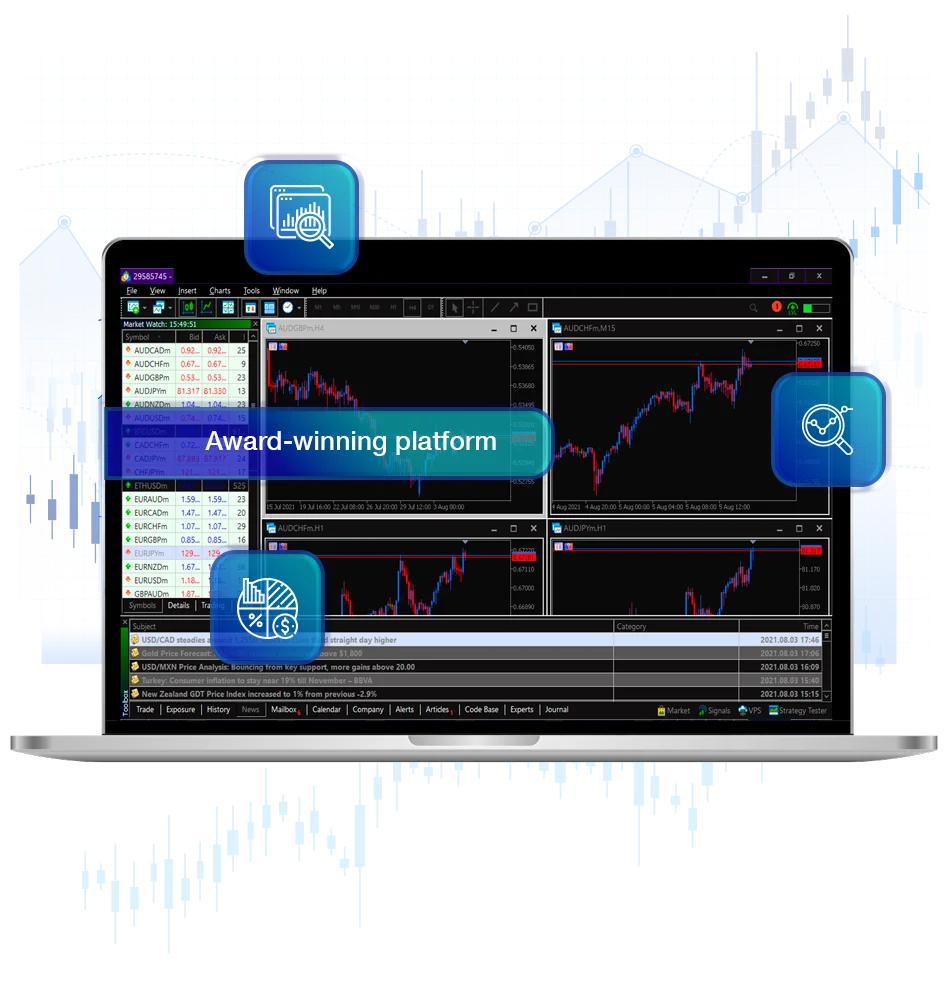
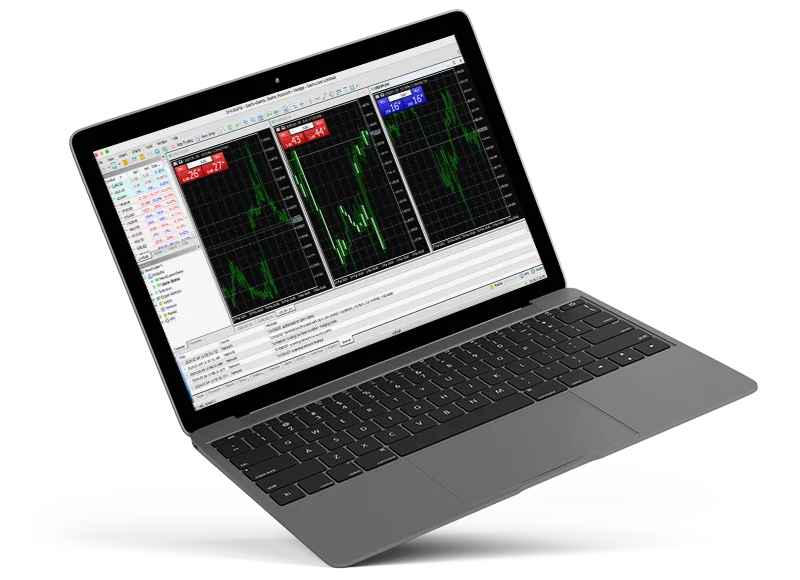
Swift Trader’s MetaTrader 5 is the ultimate platform for traders, offering a comprehensive suite of tools for market analysis and seamless order execution. In addition to standard buy and sell functionality, MT5 empowers traders to develop and optimise strategies using scripts, custom indicators, and automated trading robots (Expert Advisors). With over 80 built-in technical indicators, advanced strategy testers, and robust analytical tools, it’s designed to enhance your trading precision. The platform also features a customisable alert system to keep you updated on market movements.
- Integrated economic calendar to stay informed on key market events.
- Multiple charting options for more detailed analysis and insights.
- One-click trading for quick and efficient execution.
- Advanced order management including multiple order types.
- Built-in market depth feature for real-time pricing transparency.
Trade the financial global markets with the MetaTrader 5 multi-asset trading platform.
Experience next-level trading with MetaTrader 5 (MT5) through Swift Trader, the leading multi-asset broker. Trade a diverse range of instruments while benefiting from advanced tools and lightning-fast execution for precision trading.
MetaTrader 5 (MT5) is a state-of-the-art platform, designed to enhance your trading experience. Building on the success of MT4, MT5 offers advanced charting, a variety of order types, and superior execution features. Unlock the full potential of MT5 and elevate your trading with Swift Trader’s unmatched platform.
Choose your platform below to download:
Mobile Trading and MetaTrader 5
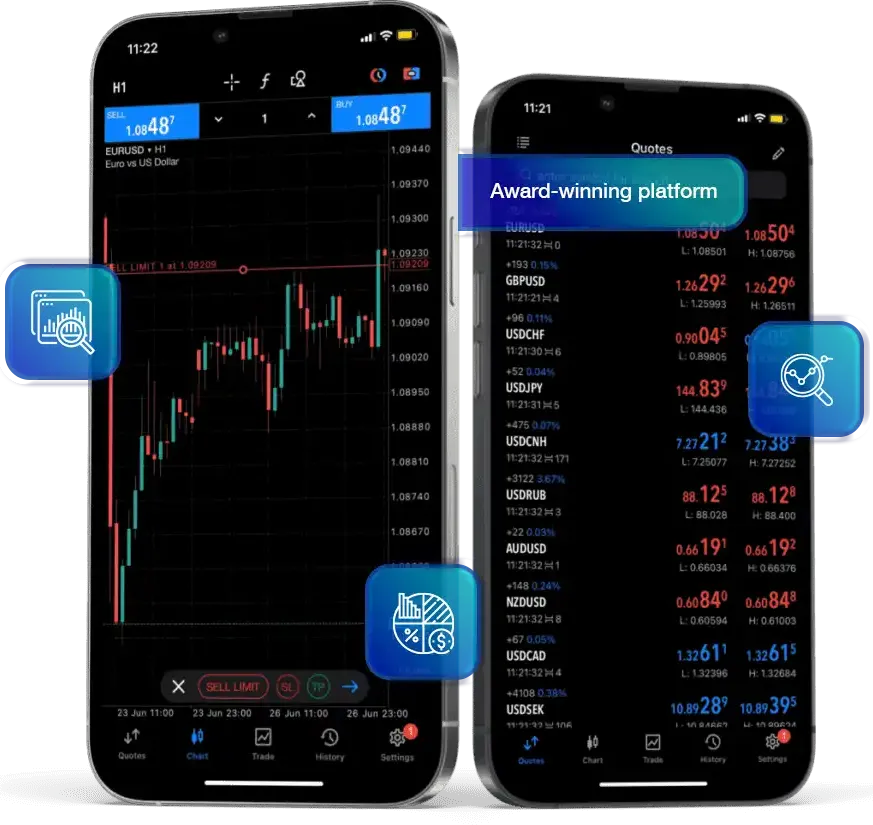
The MetaTrader 5 trading terminal is not limited to Windows, macOS, and Linux desktops. Traders with busy schedules can conveniently trade on the go using their iOS and Android smartphones and tablets. With essential trading tools like order management, interactive charts, and popular analytical features, you can monitor your account and execute trades with just a single click, no matter where you are.
How to Install MT5 on Mac OS
Wine is free, open-source software that allows Windows applications to run on Unix-like systems, including Mac OS. Wine is not fully stable, so some functions may not work perfectly. Download the MT5 platform from Swift Trader website and, install it like any other application.
MT5 Compatibility
Supports Apple M1/M2/M3 chips and works on Mac OS Monterey or later. No need for additional components or complex setups.
Install PlayOnMac
- PlayOnMac is a free, Wine-based software for running Windows apps on Mac.
- Download PlayOnMac from its official website and run the DMG file to install it.
XQuartz Installation
- PlayOnMac requires XQuartz for running graphical user interfaces on UNIX-like OS.
- Follow prompts to install XQuartz or choose not to install it if it’s already installed.
- After installing XQuartz, restart your Mac
- Re-launch PlayOnMac to install necessary Windows fonts.
MT5 Platform Installation
- Download the MT5 installer from Swift Trader ***here*** “mt5setup.exe.”
- Run the setup file using PlayOnMac, following the standard installation process.
- Create shortcuts for MT5 components (MetaEditor, MetaTester, etc.).
- Launch the platform by double-clicking on it in the PlayOnMac window.
Platform Data Directory
- PlayOnMac creates a virtual drive for the MT5 platform.
- Default data folder path: Library\PlayOnMac\WinePrefix\Client_Terminal_\Drive C\Program Files\Client Terminal.
What makes Swift Trader preferred by traders
Discover why traders choose Swift Trader for its unbeatable combination of advanced tools, fast execution, and competitive trading conditions.